February 2026 ExoCAD Foundation Course – Live Online Batch Starting Soon – 50% OFF Launch Offer | Limited Seats Available | Enroll Now

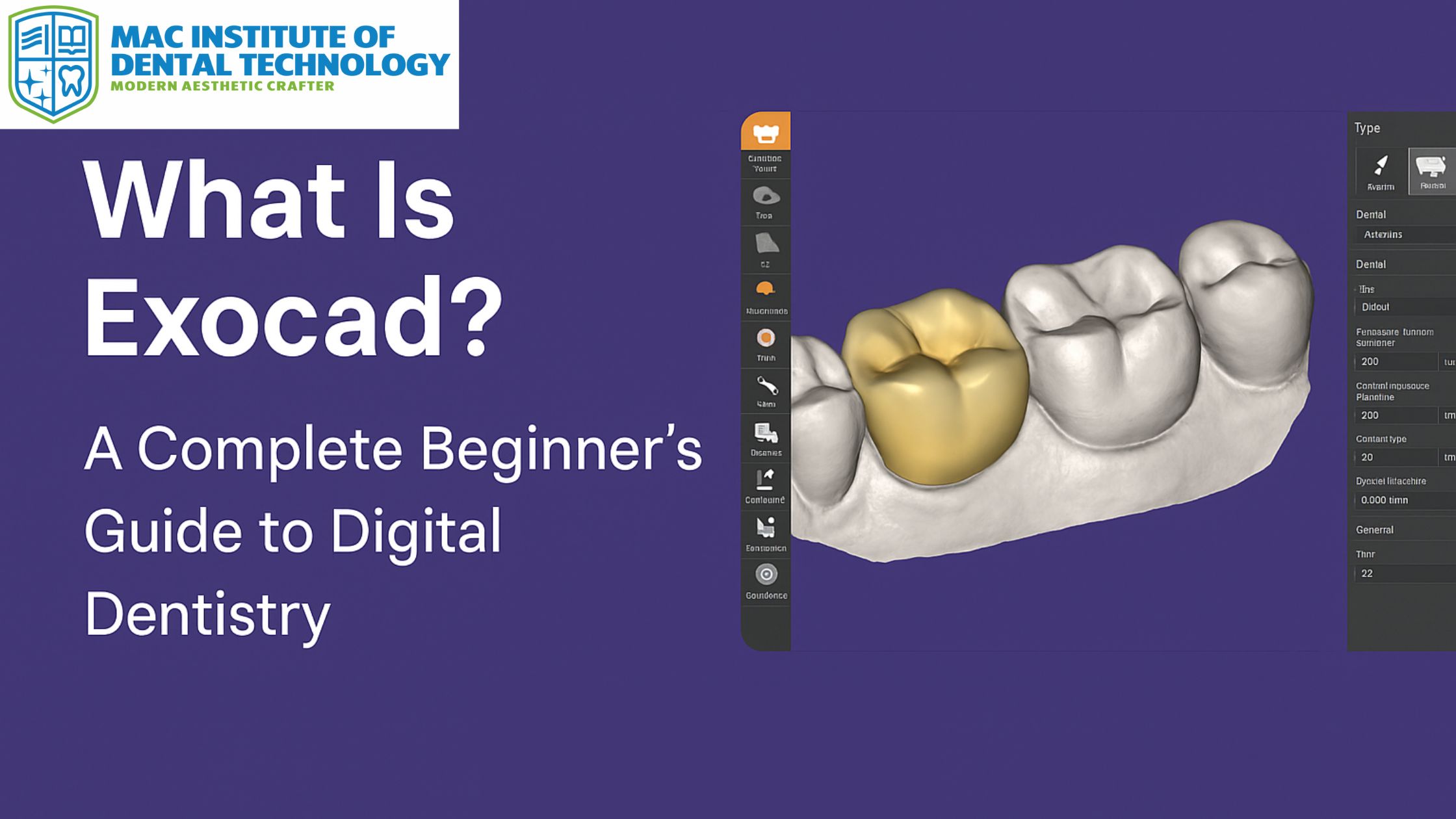
Digital dentistry has transformed the way dental restorations are designed, fabricated, and delivered.
Among the many innovations that have shaped this field, ExoCAD stands out as one of the most powerful and user-friendly CAD/CAM software systems available today.
Whether you are a dental technician, dentist, prosthodontist, or a student aspiring to build a strong foundation in digital workflows, understanding ExoCAD can open the doors to a new world of opportunities.
This beginner-friendly guide will walk you through what ExoCAD is, why it’s widely used in dentistry, and how you can start your journey in digital design—even if you have zero prior experience.
What Is ExoCAD?
ExoCAD is an advanced CAD (Computer-Aided Design) software developed specifically for dental applications. It allows dental professionals to digitally design a wide variety of restorations, including:
- Crowns
- Veneers
- Bridges
- Inlays & onlays
- Implant prosthetics
- Complete & partial dentures
- Smile design
- Night guards
- Orthodontic appliances
ExoCAD is known for its intuitive interface, speed, and flexibility, making it the preferred choice for both beginners and advanced designers. Its modular system allows users to add extensions such as Implant Module, Smile Creator, Partial Framework, and Virtual Articulator as they advance in their practice.
Why Is ExoCAD So Popular?
1. User-Friendly Interface
Unlike many CAD/CAM tools that feel technical and overwhelming, ExoCAD simplifies the entire design process. Even beginners can navigate its tools after a few sessions of hands-on practice.
2. Highly Accurate & Reliable
Digital accuracy ensures perfect-fitting prosthetics, minimizing remakes and improving patient satisfaction.
3. Fast Workflow
ExoCAD’s processing speed allows technicians and clinicians to complete cases faster, improving lab productivity and clinical efficiency.
4. Integrates with All Major Scanners
It works seamlessly with intraoral scanners, desktop scanners, and 3D printers, making it ideal for digital clinics and labs.
5. Modular Flexibility
You only pay for what you need. Modules can be added based on your specialization or level of work.
How ExoCAD Is Used in Digital Dentistry
ExoCAD helps dentists and dental technicians transition from traditional workflows to fully digital systems. Here’s how it contributes to routine dental procedures:
1. Crown and Bridge Design
Digital crowns created in ExoCAD are precise, easy to modify, and can be exported directly to milling units or 3D printers.
2. Implant Planning and Prosthetics
With the Implant Module, clinicians can visualize implants, understand angulation, evaluate bone support, and design prosthetics with accuracy.
3. Smile Design
ExoCAD’s Smile Creator is widely used by cosmetic dentists to design aesthetically pleasing smiles and show preview results to patients.
4. Denture Fabrication
Digital dentures created in ExoCAD reduce manual labor and provide better fit and retention.
5. Orthodontic Applications
From aligners to treatment planning, ExoCAD supports orthodontists in simplifying complex workflows.
What Makes ExoCAD Ideal for Beginners?
If you’re new to digital dentistry, ExoCAD is the best place to start because:
- The software is intuitive
- You can learn it even without prior CAD experience
- Errors can be undone instantly
- It provides step-by-step workflow guidance
- It supports training with real case examples
- The learning curve is smooth with proper hands-on training
For students, dental technicians, and dentists looking to enter the world of digital workflows, mastering the foundation techniques in ExoCAD is essential.
💡 If you’re a beginner wanting to learn ExoCAD from scratch, consider joining our offline Foundation ExoCAD Course at MIDT.
What You’ll Learn in a Foundation ExoCAD Course
A proper foundation course helps you understand the software from the ground up. At MIDT, our hands-on training covers every essential part of digital design. Here’s a typical overview of what beginners learn:
1. Introduction to Digital Dentistry
Understanding scanners, milling machines, 3D printers, and the digital workflow.
2. Getting Started with ExoCAD
Navigating the interface, setting up cases, importing scans, and basic tools.
3. Crown and Bridge Design Basics
Designing single crowns, multi-unit bridges, parameters, contacts, occlusion, and anatomy adjustments.
4. Wax-up and Smile Design Concepts
Learning how to create aesthetic and functional digital wax-ups.
5. Implant Prosthetics Basics
Understanding scan bodies, implant libraries, and designing abutments.
6. Exporting & Printing/Milling
How to prepare final files for lab work.
7. Workflow Optimization
Speed, shortcuts, real project simulations, and case-by-case best practices.
Every student completes hands-on exercises on real ExoCAD systems, ensuring they gain confidence in designing actual cases.
📌 Explore the full syllabus and upcoming batches on ExoCAD foundation .
Who Should Learn ExoCAD?
ExoCAD is useful across the dental field. The following groups benefit the most:
Dental Technicians
For technicians, learning ExoCAD is no longer an option—it’s a necessity. Dental labs worldwide prefer hiring candidates who are trained in digital design.
Dentists
Clinicians can reduce chair time, reduce trial-and-error, and improve clinical outcomes with digital workflows.
Prosthodontists
ExoCAD offers unmatched precision for complex restorative cases.
Dental Students
Students who learn ExoCAD early gain a competitive advantage in placements and internships.
Orthodontists
Designing aligners and planning treatments digitally becomes easier.
Why Learning ExoCAD Can Boost Your Career
Digital dentistry is expanding rapidly across India and the world. Dental labs are shifting from manual wax-ups to digital methods, and clinics are adopting scanners and CAD/CAM systems at a fast pace.
Professionals trained in ExoCAD enjoy:
- Better job opportunities
- Higher salaries
- International placement advantages
- Ability to open a digital lab
- More confidence in modern workflows
- Increased patient satisfaction
It’s clear that digital dentistry is the future—and ExoCAD is at the center of it.
How to Start Learning ExoCAD
The best way to start is through structured, offline, hands-on training where you can practice real-life cases.
MIDT offers an ExoCAD Foundation Course designed specifically for beginners who want to build confidence and technical skill from day one.
During the offline program, students work directly on:
- Real scanners
- Real cases
- Lab workflows
- Industry-grade computers
- Latest ExoCAD modules
This ensures you don’t just learn but truly master the fundamentals.
👉 Ready to begin? Check course details, fees, and upcoming batches here: ExoCAD Foundation Course
Conclusion
ExoCAD is a powerful and accessible software that plays a central role in the world of digital dentistry. Whether you’re a student, technician, or dentist, learning ExoCAD can transform your career and place you ahead in an industry that is rapidly embracing digital workflows. With the right training—especially a hands-on foundation course—you can confidently navigate the software and design restorations with precision and speed.
If you’re serious about entering digital dentistry, now is the perfect time to begin your journey with ExoCAD.
Explore the Foundation ExoCAD Course at MIDT and take your first step into the future of dentistry.